Configure a dashboard
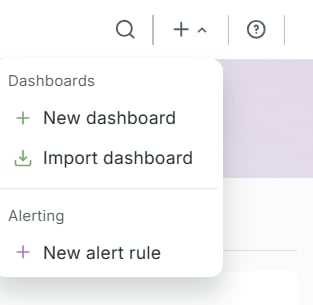
The panel uses the connected Gcore Platform-EN data source.- In the top bar, click +, then New dashboard.
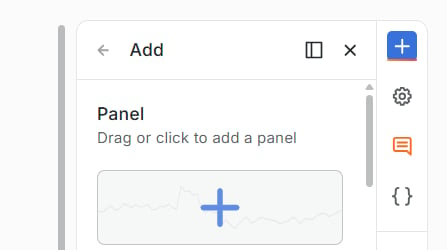
- The Add drawer opens on the right. Click Panel.
- Click Edit visualization.
- Under Data source, select Gcore Platform-EN.
- Under Edge Network, set Service to WAAP.
- Under Query Props, set Metric and Granularity. Legend Format is optional.
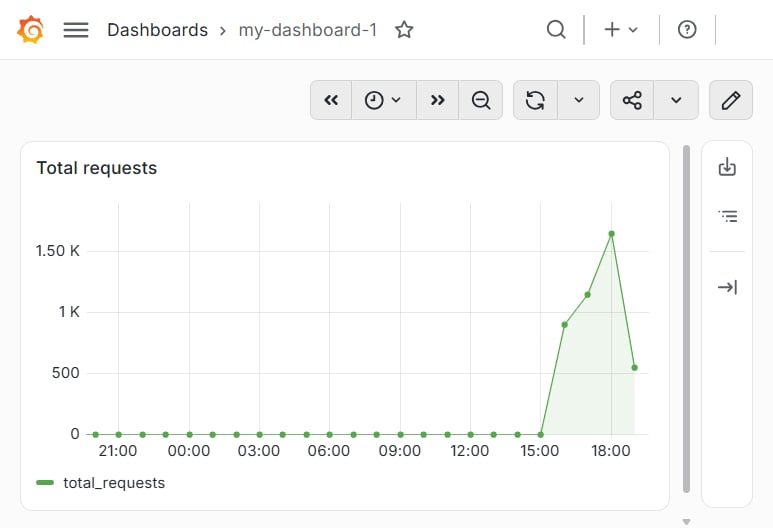
- Click Save. In Save dashboard, enter a title and click Save.
Query fields
A WAAP query returns one series for the account. The editor has no group-by control and no domain filter. An alert rule on that series changes state when requests or traffic cross a threshold.
Granularity:
1h or 1d. The series has one point per hour or per day.
Legend Format: optional series name. The default legend is the metric name.
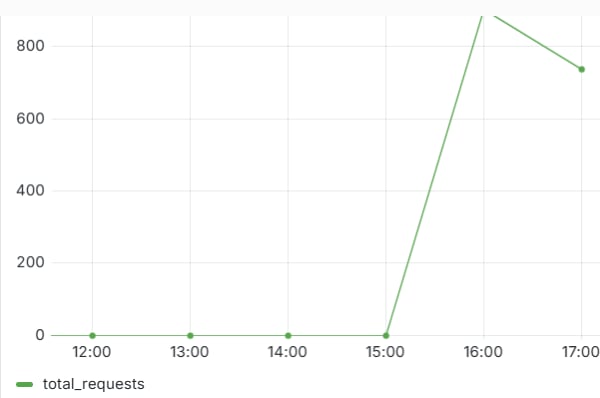
total_requests with granularity 1h: