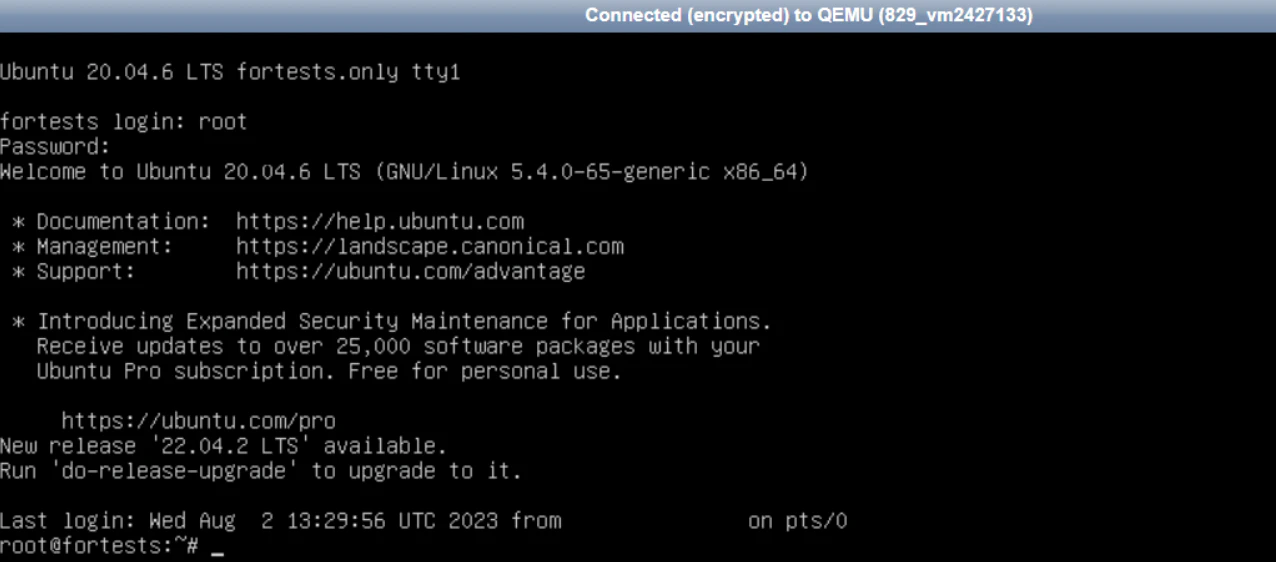
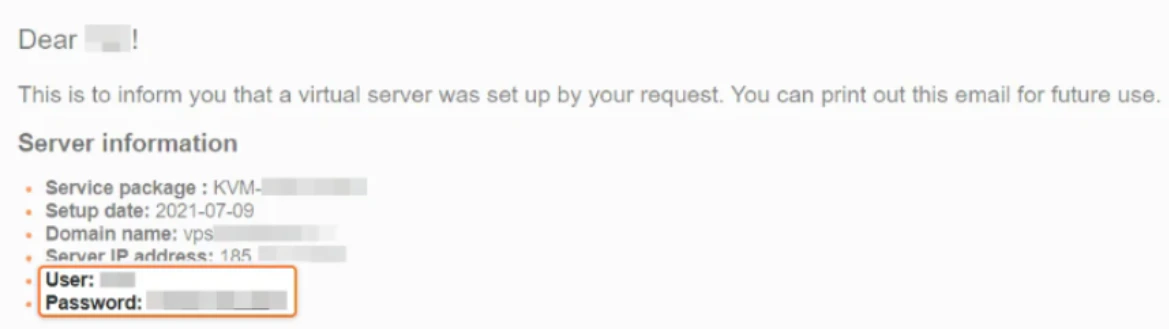
- After activating your virtual server, you’ll receive an email with connection instructions and login credentials. This information is also available in the control panel on the Instructions tab, where you’ll find your User and Password.
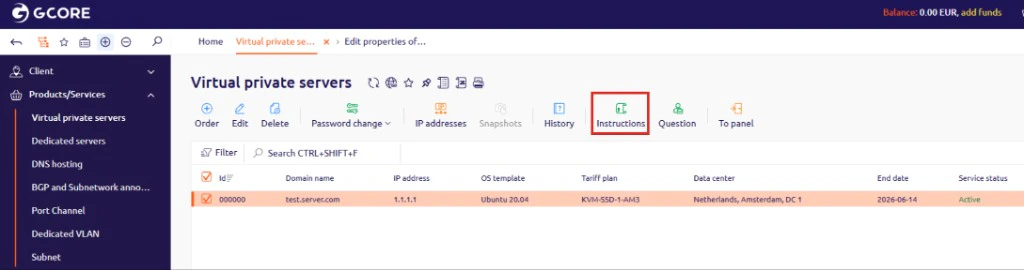
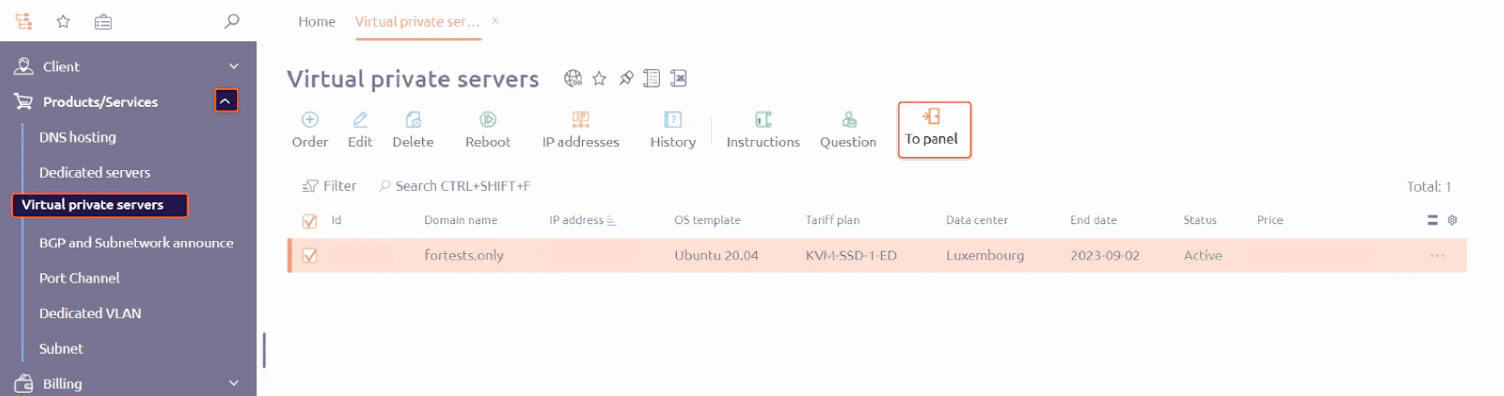
- Open the control panel. Select Products/Services, click Virtual private servers, and then click To Panel.
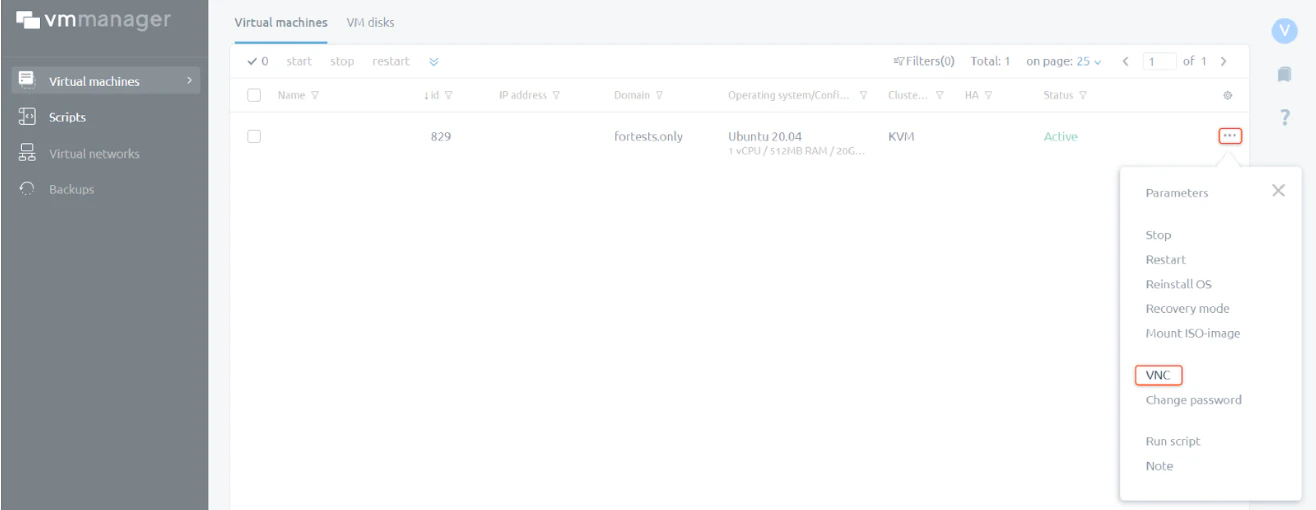
- In the VMmanager panel, open the three-dot menu and click VNC.