

Quotas Request History page
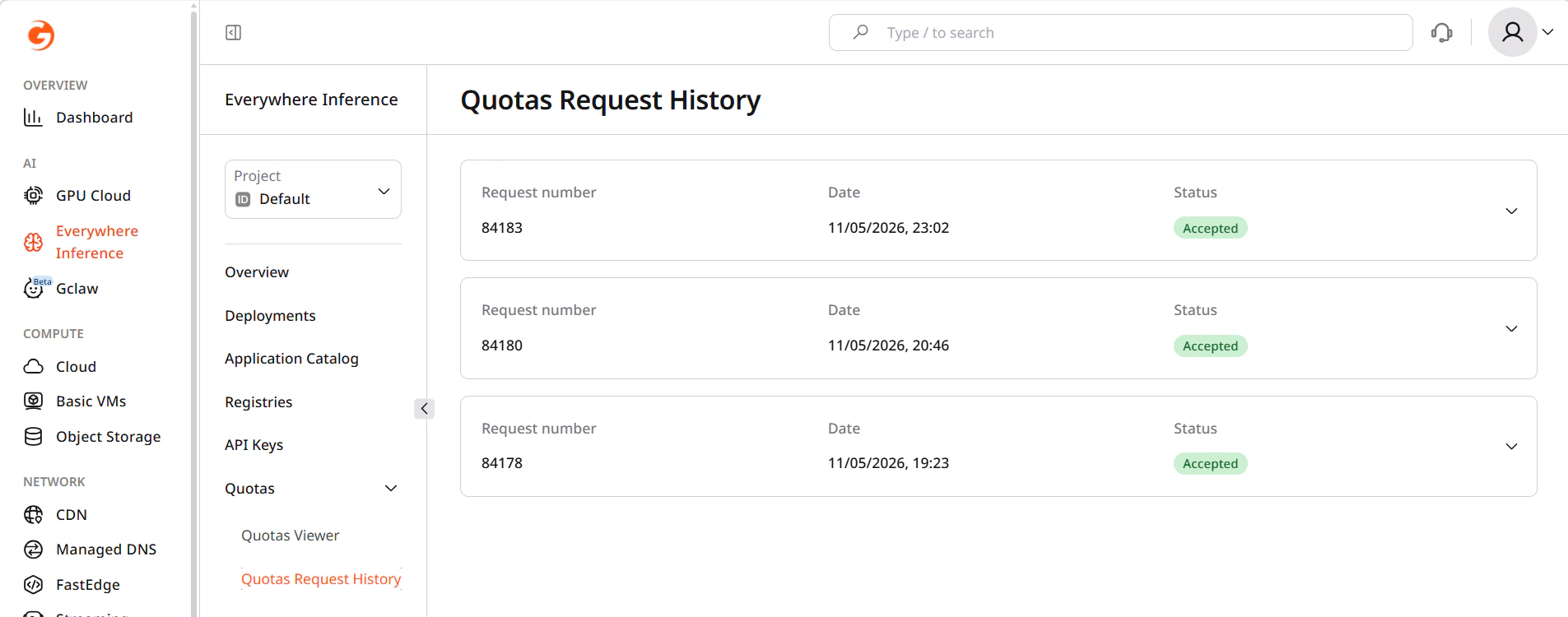
In the Gcore Customer Portal, navigate to Everywhere Inference > Quotas > Quotas Request History. Each row in the request list shows:- Date — when the request was submitted.
- Resources — the quota resources included in the request (Inference GPU L40S Count, Inference Instances Count, and others).
- Requested amount — the quota value requested for each resource.
- Status — the current state of the request.
Request statuses
| Status | Description |
|---|---|
| Pending | The request has been submitted and is awaiting review. |
| Approved | The quota increase has been applied to the project. |
| Rejected | The request was not approved. Contact Gcore support for details. |