

Enable WAAP for a resource
- In the Gcore Customer Portal, navigate to CDN > CDN resources.
- Next to the resource that you want to protect with WAAP, click the three-dot icon and select Settings.
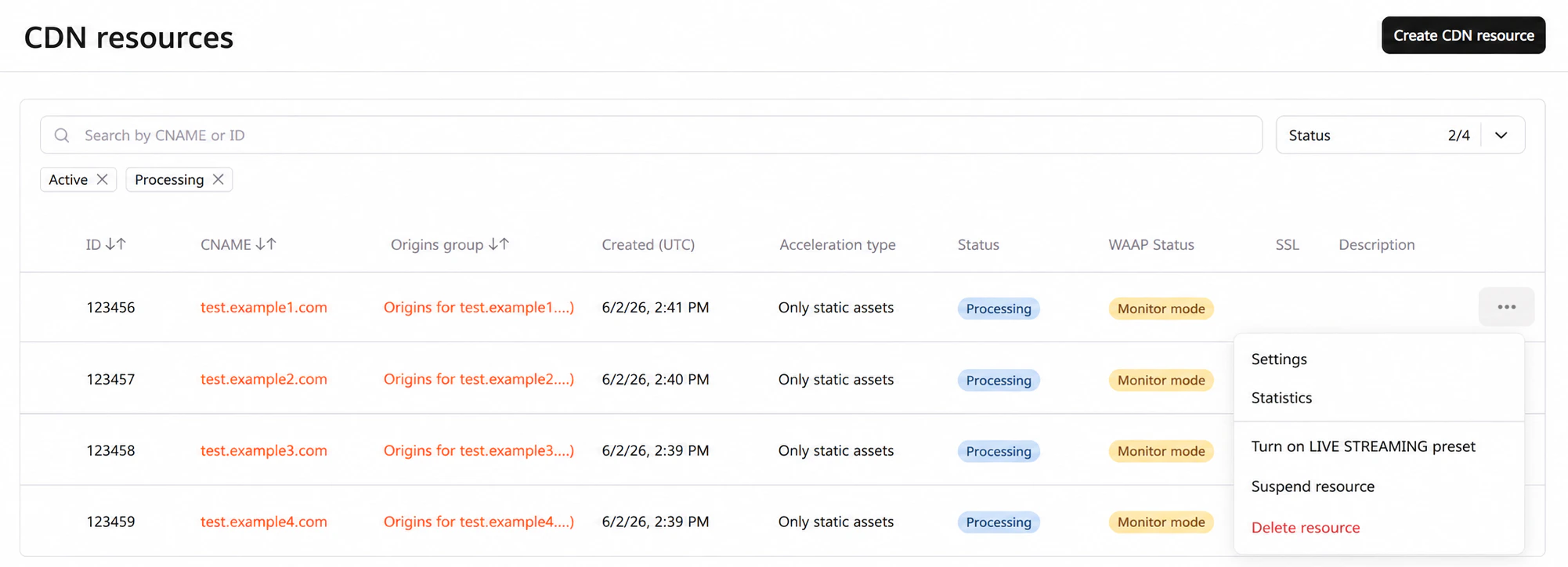
- Scroll down the page and find the Security section.
- Enable the WAAP toggle to activate Web Application and API Protection for your CDN resource.
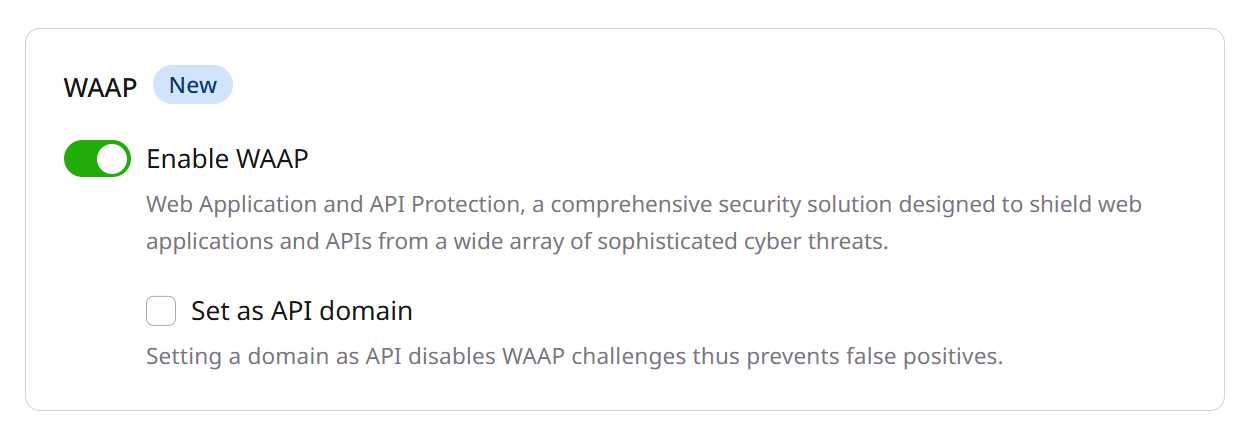
- Click Save to apply the changes.
What to do if WAAP blocks content that shouldn’t be blocked?
Instead of disabling WAAP protection for the whole resource, you can create a rule with an exception:- In the CDN resource settings, open the Rules tab.
- Click Create rule > Create blank rule.
- Give your rule a name.
- In the Match criteria section, specify the URLs or a regular expression of files blocked by WAAP.
- Set the origin pull protocol to Inherit from resource.
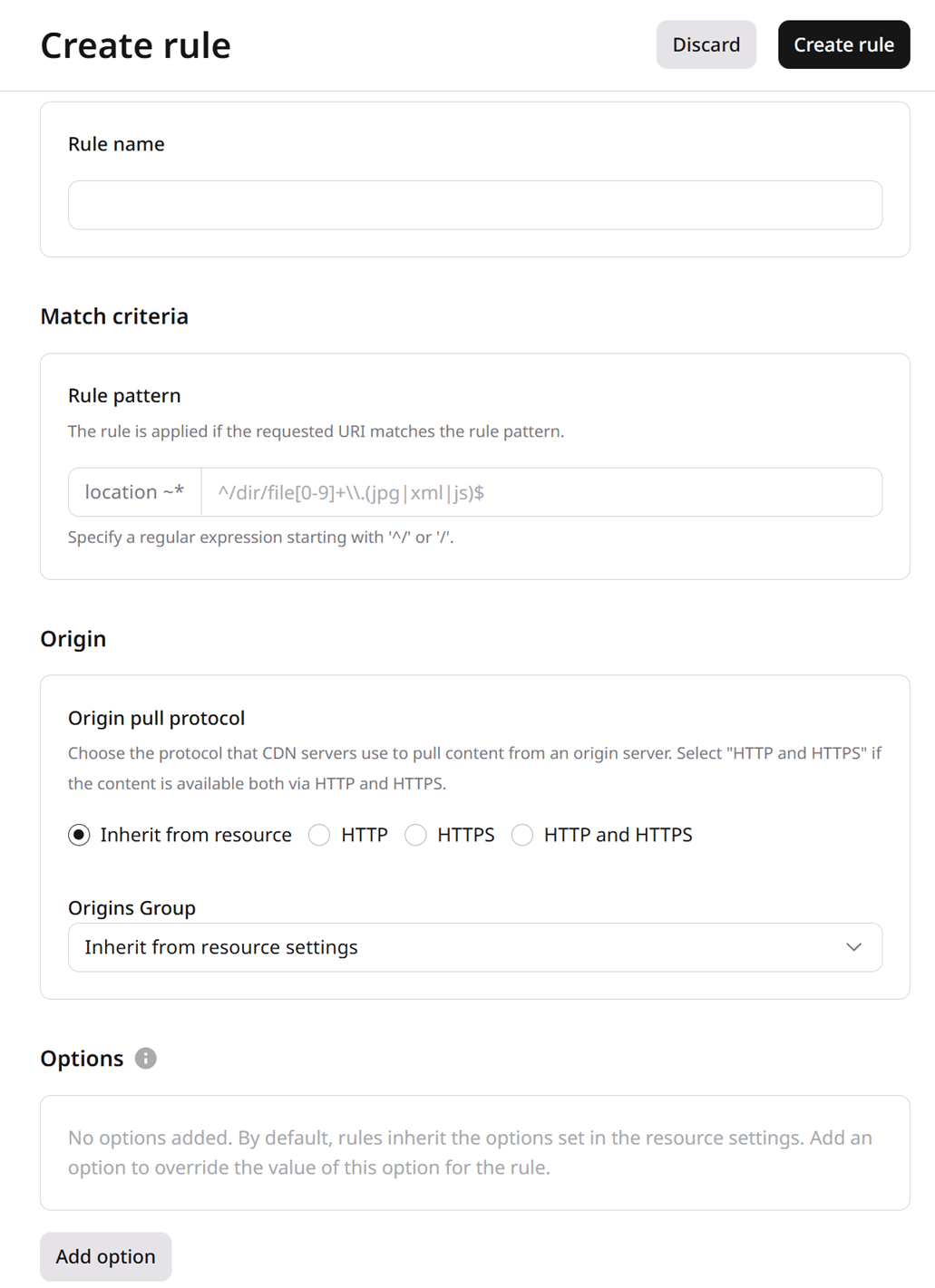
- In the Options section, click Add option.
- Find WAAP and then turn it off for the selected URL rule pattern.
- Click Create rule.